Free online image tools
Boost productivity with 7 powerful tools.
Favicon Generator
Turn a logo into PNG favicons, a multi-size favicon.ico and an Apple Touch Icon. Download the ZIP and HTML tags.
Image Compressor
Compress JPG, PNG or WebP images in your browser. Set quality or a target file size and compare the original with the result.
Image Format Converter
Convert images to JPG, PNG, WebP or AVIF in your browser. Compare the result and download the selected format.

PNG Background Remover
Pixel dimensions, aspect ratio and existing transparency are preserved. Processing stays on your device; the image is not uploaded.
Screenshot Capture
Choose a screen and capture the full view or a corner-resizable region. Download or share a PNG screenshot. Images are never uploaded to Pinfox.
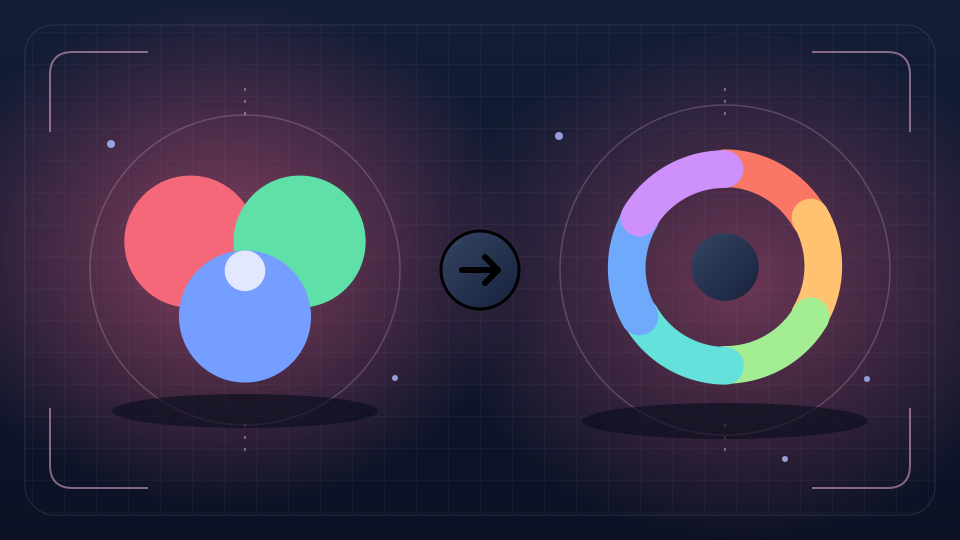
RGB to HSL Color Converter
Enter red, green, and blue (RGB) values and instantly convert your color to HSL (hue, saturation, lightness).
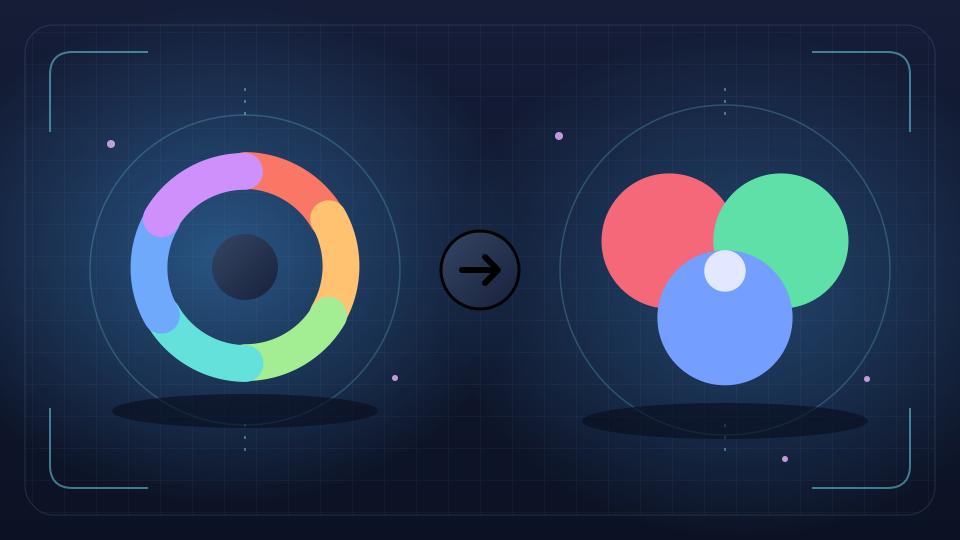
HSL to RGB Color Converter
Enter hue, saturation, and lightness (HSL) values and instantly convert your color to RGB (red, green, blue).
These image tools cover the everyday jobs of working with pictures: making photos smaller for the web or email, converting between JPG, PNG, WebP and AVIF, removing a background, turning a logo into favicons, capturing a screenshot and converting colors between RGB and HSL.
Most of them run entirely in your browser, so your photos are processed on your own device instead of being uploaded to a server. There is no account, no watermark and no daily limit. Pick a tool below; each page explains its formats and limits.