Favicon Generator
Turn a logo into PNG favicons, a multi-size favicon.ico and an Apple Touch Icon. Download the ZIP and HTML tags.
Uses · —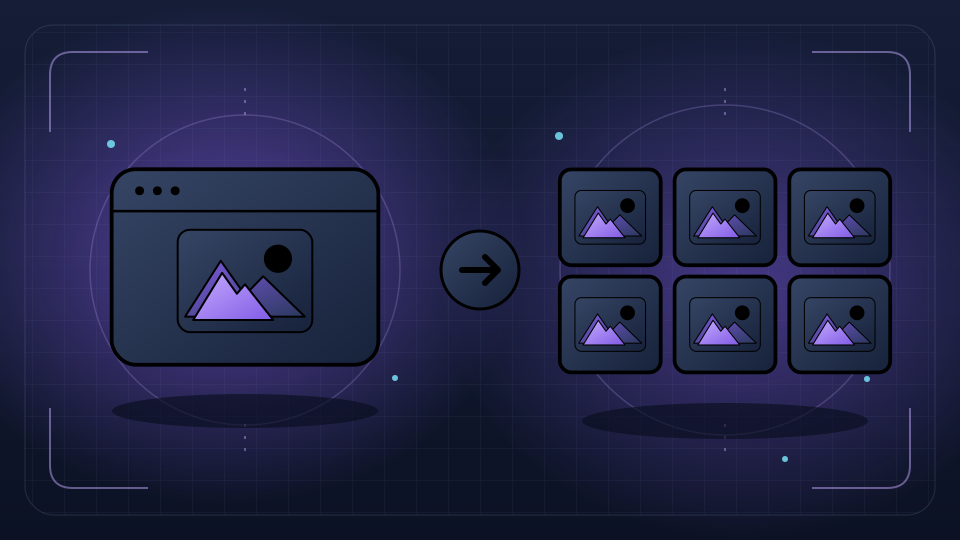
Results
Processing runs in your browser. The file stays on your device.
How does the tool work?
Choose a logo and generate the icons. A rectangular logo is centered on a transparent square with its proportions intact.
Output example
The ZIP includes PNGs at 16, 32, 48, 64, 128, 180, 192, 256 and 512 pixels. The ICO contains 16, 32, 48 and 256 pixel images.
Which settings should I use?
- Use a simple, bold logo and check how it reads at 16 pixels. Thin lines and small text disappear at that size.
- A square source image of at least 512 × 512 pixels gives the cleanest results at every size.
- Upload the files to your site root and paste the generated tags into the HTML head. Edit the paths if you use a subfolder.
- After replacing a favicon, browsers may keep showing the old one for a while. Hard-refresh or open the site in a private window to check.
Comparisons
One file containing 16, 32, 48 and 256 px images.
Requested automatically by many browsers and tools at /favicon.ico.
Separate files from 16 to 512 px.
Used by modern browsers, Android and web app manifests (192 and 512 px).
180 × 180 PNG
Shown on iOS home screens and in Safari bookmarks.
16 px appears in browser tabs; 512 px appears in install prompts and splash screens.
Design for the smallest size first.
Favicon guide: sizes, files and HTML tags
A favicon is the small icon shown in browser tabs, bookmarks, history and search results. A clear favicon makes your site easier to find among many open tabs and looks more professional.
Choose your logo and generate the icons. The tool produces PNG files from 16 to 512 pixels, a multi-size favicon.ico and a 180 × 180 Apple Touch Icon. Download the ZIP and copy the HTML tags shown below the result.
Different places use different sizes. Browser tabs show 16 or 32 pixel icons, Windows shortcuts use 48 and 256 pixels, iOS home screens use 180 pixels and Android or installed web apps use 192 and 512 pixels.
Design matters most at small sizes. Use a simple symbol or a single letter with strong contrast. Detailed illustrations, thin lines and long text become unreadable at 16 pixels, so check the smallest preview before downloading.
To install the icons, upload the files to the root of your website and paste the tags into the head section of your HTML or template. If you put the files in a subfolder, update the paths in the tags.
Everything runs in your browser. Rectangular logos are centered on a transparent square without stretching, and the source image can be up to 25 MiB, 8,192 pixels per side and 16 megapixels.
FAQ
How do I make a favicon from my logo?
Choose your logo image and generate the icons. The tool creates PNG favicons in several sizes, a multi-size favicon.ico and an Apple Touch Icon, and gives you a ZIP plus ready-to-paste HTML tags.
Which sizes are included?
The ZIP contains PNGs at 16, 32, 48, 64, 128, 180, 192, 256 and 512 pixels. The ICO file contains 16, 32, 48 and 256 pixel images.
What happens if my logo is not square?
A rectangular logo is centered on a transparent square with its proportions intact, so it is never stretched.
Where do I put the favicon files?
Upload them to the root folder of your website and paste the HTML tags into the head section of every page, or into your site template.
What is an Apple Touch Icon?
It is the icon iPhones and iPads show when someone adds your site to the home screen. The tag uses the 180 × 180 PNG.
Do I still need favicon.ico?
Modern browsers use PNG or SVG icons, but some tools, bookmarks and older browsers still request /favicon.ico. Including it is the safest choice.
Is my logo uploaded?
No. All icons are generated in your browser and the file stays on your device.
What is the file limit?
Source images up to 25 MiB, 8,192 pixels per side and 16 megapixels.
Related tools
Embed this tool on your site
<iframe src="https://pinfox.tech/en/tools/general/favicon-generator/?embed=1" width="100%" height="720" loading="lazy" style="border:0;border-radius:12px;overflow:hidden" title="Favicon Generator | PNG, ICO, ZIP - Pinfox"></iframe>