3D Box Mockup – Dieline to Box Preview
Adjust a parametric display-box template, upload your artwork and inspect the folded box in 3D.
Uses · —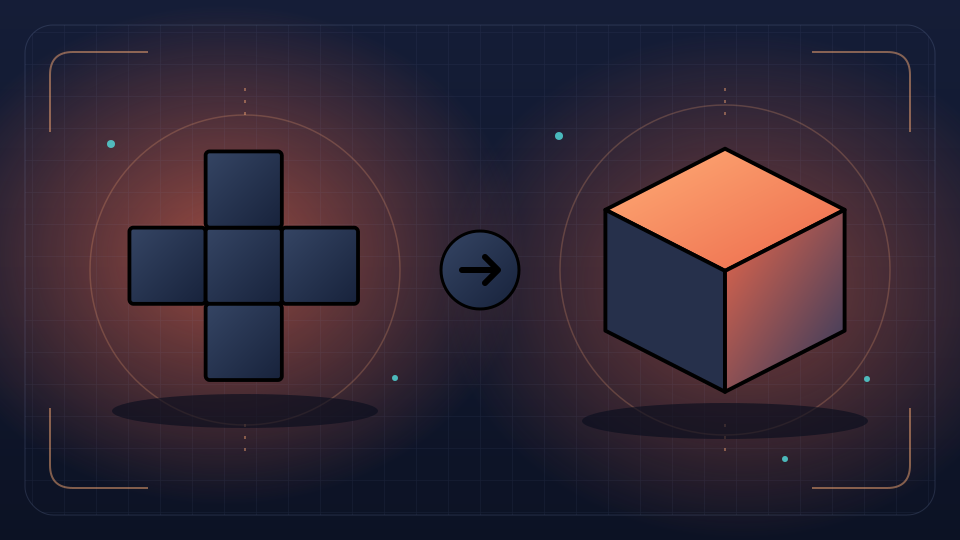
Uses the supplied display-box template; it does not automatically recognize or fold arbitrary dielines. Images stay in your browser. Workspace controls are in Turkish.
Results
Confirm dimensions, colors and cut lines with your printer before production. This is a preview tool.
How do I use it?
Upload outer and inner artwork, set dimensions and bleed, then fold the template with the slider. Compare display and closed shipping views.
Example
110 × 110 × 130 mm → SVG / PDF / PNG
Tips
- The tool uses its built-in parametric display-box template. It does not recognize or fold arbitrary dielines you upload.
- Set bleed so that artwork extends past the cut lines; this prevents white edges if cutting is slightly off.
- Download the SVG dieline at 1:1 in millimeters for your printer, and PDF or PNG at 150 or 300 dpi for proofs.
- Always confirm dimensions, colors and cut lines with your printer before production. The workspace controls are in Turkish.
Comparisons
Vector cut and fold lines at 1:1 scale in millimeters.
Send this to the printer or open it in Illustrator or Inkscape.
150 dpi for quick proofs, 300 dpi for print-quality files; with dieline, without dieline or dieline only.
Use 300 dpi for anything that will be printed.
The display view shows the open presentation box; the shipping view shows it closed.
Check both, since different panels are visible.
110 × 110 × 130 mm box → SVG / PDF / PNG
Dimensions are entered in millimeters.
3D packaging mockup guide: dieline, bleed and print files
A packaging mockup shows how flat artwork will look once it is printed, cut and folded into a box. It helps designers, small brands and sellers catch mistakes such as upside-down panels or text that falls on a fold before paying for production.
Open the workspace and set the box dimensions in millimeters together with the bleed in the dimensions and layout panel. Upload separate artwork for the outer and inner print surfaces, or drag an image onto the template.
Use the fold slider to watch the template close into a 3D box. Check it from the camera presets (3/4, front, left, right, back, top and bottom) and compare the open display view with the closed shipping view, because different panels are visible in each.
When the design looks right, download the files you need: the SVG dieline at 1:1 scale in millimeters for your printer, PDF or PNG print output at 150 dpi for quick proofs or 300 dpi for final files, and a PNG screenshot of the 3D view for presentations or product pages.
The tool is built around a parametric display-box template. You can change its dimensions, but it does not recognize or fold arbitrary dieline files. For other box styles, use your printer's template.
Everything runs in your browser and your artwork is never uploaded. The workspace controls are currently in Turkish. Always confirm dimensions, colors and cut lines with your printer before production.
FAQ
What does the 3D box mockup tool do?
It lets you adjust a parametric display-box template, place your artwork on the outer and inner surfaces, and fold the box in 3D to see how the finished packaging will look.
How do I create a box mockup?
Open the workspace, set the box dimensions and bleed, upload the outer and inner artwork, then use the fold slider to close the box. Switch between the display view and the closed shipping view to check both.
What can I download?
An SVG dieline at 1:1 scale in millimeters, PDF and PNG print outputs at 150 or 300 dpi, and a PNG screenshot of the 3D view.
Can I upload my own dieline?
No. The tool works with its built-in display-box template, which you can resize. It does not automatically recognize or fold other dieline files.
What is bleed and why does it matter?
Bleed is extra artwork beyond the cut line. Printers cut with small tolerances, so bleed prevents unprinted white edges on the finished box.
Are my images uploaded?
No. Your artwork is processed in your browser and stays on your device.
Is the mockup approval-ready for production?
It is a preview tool. Check the dieline, measurements, color profile and materials with your printer before mass production.
What language are the controls in?
The workspace controls are currently in Turkish; the introduction page is available in 11 languages.
Related tools
Embed this tool on your site
<iframe src="https://pinfox.tech/en/tools/general/3d-box-mockup/?embed=1" width="100%" height="720" loading="lazy" style="border:0;border-radius:12px;overflow:hidden" title="3D Box Mockup – Dieline to Box Preview - Pinfox"></iframe>