UTC Offset Time Converter
Enter the source hour, minute, and two UTC offsets, and this tool calculates the corresponding time in the target offset, including a day shift (previous or next day) if needed. It does not track cities or daylight saving time automatically — you enter the UTC offsets directly.
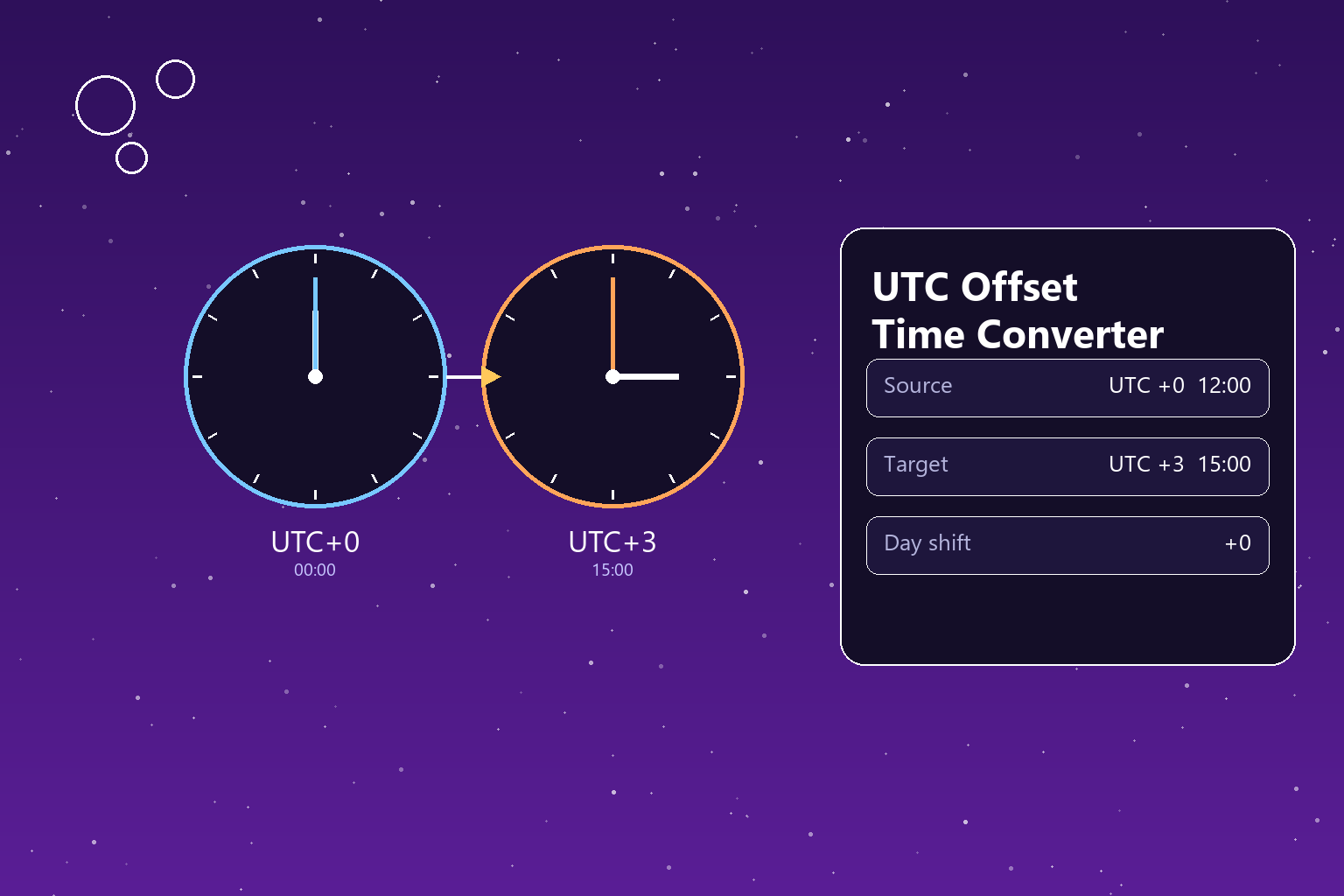
The target hour and minute show the equivalent of the source time given the UTC offset difference you entered. The day shift takes a value of -1, 0, or +1, indicating which calendar day the target time falls on.
How to interpret the result
The target hour and minute show the equivalent of the source time given the UTC offset difference you entered. The day shift takes a value of -1, 0, or +1, indicating which calendar day the target time falls on.
How is the time difference calculated?
The source hour and minute are converted to total minutes. The difference between the two UTC offsets, in minutes, is added to that total. The result is normalized to a 0-1439 minute range to get the target hour and minute; any part that crosses 1440 minutes (24 hours) or drops below zero is captured separately as a day shift.
Formula
- The source hour and minute are converted to total minutes within the day.
- The difference between the target and source UTC offset is converted to minutes and added to the total.
- The resulting value is divided by 1440 minutes (one day) to find the day shift.
- The remainder is normalized to a 0-1439 range.
- The normalized value is split into hours and minutes to get the target time.
Example time difference calculation
At 12:00 in UTC+0, it is 15:00 in a location at UTC+3, with a day shift of 0.
Tips for time difference calculation
- UTC offsets can be entered as decimals; for example +5.5 for India or +5.75 for Nepal.
- A day shift of -1 means the target time falls on the previous day, and +1 means the next day.
- This tool uses a fixed UTC offset — for regions observing daylight saving time, you need to enter the offset that applies on that specific date.
Comparisons
15:00, day shift 0
Istanbul standard time is UTC+3.
15:00, day shift -1
Falls on the previous day relative to the source.
12:00, day shift +1
Falls on the next day relative to the source.
12:30, day shift 0
Decimal (half-hour) offsets are supported too.
UTC time difference calculation guide
When planning a meeting with people in different countries or estimating a flight's arrival time, knowing the time difference between two regions is essential. This tool uses the difference between two UTC offsets to calculate the source time's equivalent in the target region.
UTC (Coordinated Universal Time) is the common time standard that time zones around the world are referenced against. Each region's local time is expressed as a specific offset from UTC — for example, Turkey is UTC+3, and the United Kingdom is UTC+0 during winter months.
The most important limitation of this tool is that it does not automatically track daylight saving time (DST). Many countries move their clocks forward by an hour during summer months; in that case, you need to enter the UTC offset that applies on that specific date. This approach ensures the tool always gives fixed, predictable results.
The calculation works by converting the source time to total minutes and adding the difference between the two offsets. When the result crosses 24 hours or drops below zero, the tool automatically shifts this into the next or previous day and shows it as a separate 'day shift' result.
This tool offers a quick reference point for remote teams, people communicating with friends in different countries, or anyone planning travel. For precise, DST-aware results, checking an official time zone database is recommended.
FAQ
Does this tool automatically account for daylight saving time (DST)?
No. The tool calculates between fixed UTC offsets; for a region observing DST, you need to enter the offset that applies on that specific date.
What is a UTC offset?
A UTC offset is the number of hours a region's local time is ahead of or behind Coordinated Universal Time (UTC) — for example, +3 for Turkey.
What does the day shift mean?
The day shift shows whether the calculated target time falls on the previous day (-1), the same day (0), or the next day (+1) relative to the source date.
Can this be used for regions with half-hour or quarter-hour offsets?
Yes, you can enter decimal values like 5.5 or 5.75 in the UTC offset fields to calculate for regions like India or Nepal.
How do I enter a negative UTC offset?
For western hemisphere regions, enter the offset with a minus sign — for example, -5 for US Eastern Standard Time.
Why might the result fall on a different day?
When the difference between the two offsets is added to the source time, it can cross the 24-hour boundary or drop below zero; the calculation automatically shifts this into the next or previous day.
Can this tool's results be used for meeting planning?
Yes, it's useful for quickly comparing suitable times for participants in different UTC offsets — but you need to keep the offset current during daylight saving periods.
Does it work in 24-hour format?
Yes, source and target hours are processed in 24-hour format, from 0 to 23.
Related tools
Embed this tool on your site
<iframe src="https://pinfox.tech/en/tools/general/utc-offset-time-converter/?embed=1" width="100%" height="720" loading="lazy" style="border:0;border-radius:12px;overflow:hidden" title="UTC Offset Time Converter - Pinfox"></iframe>