Password Generator
Choose a length and character types, and a strong password is instantly generated using your browser's secure random number generator. No data is ever sent to a server — generation happens entirely on your device.
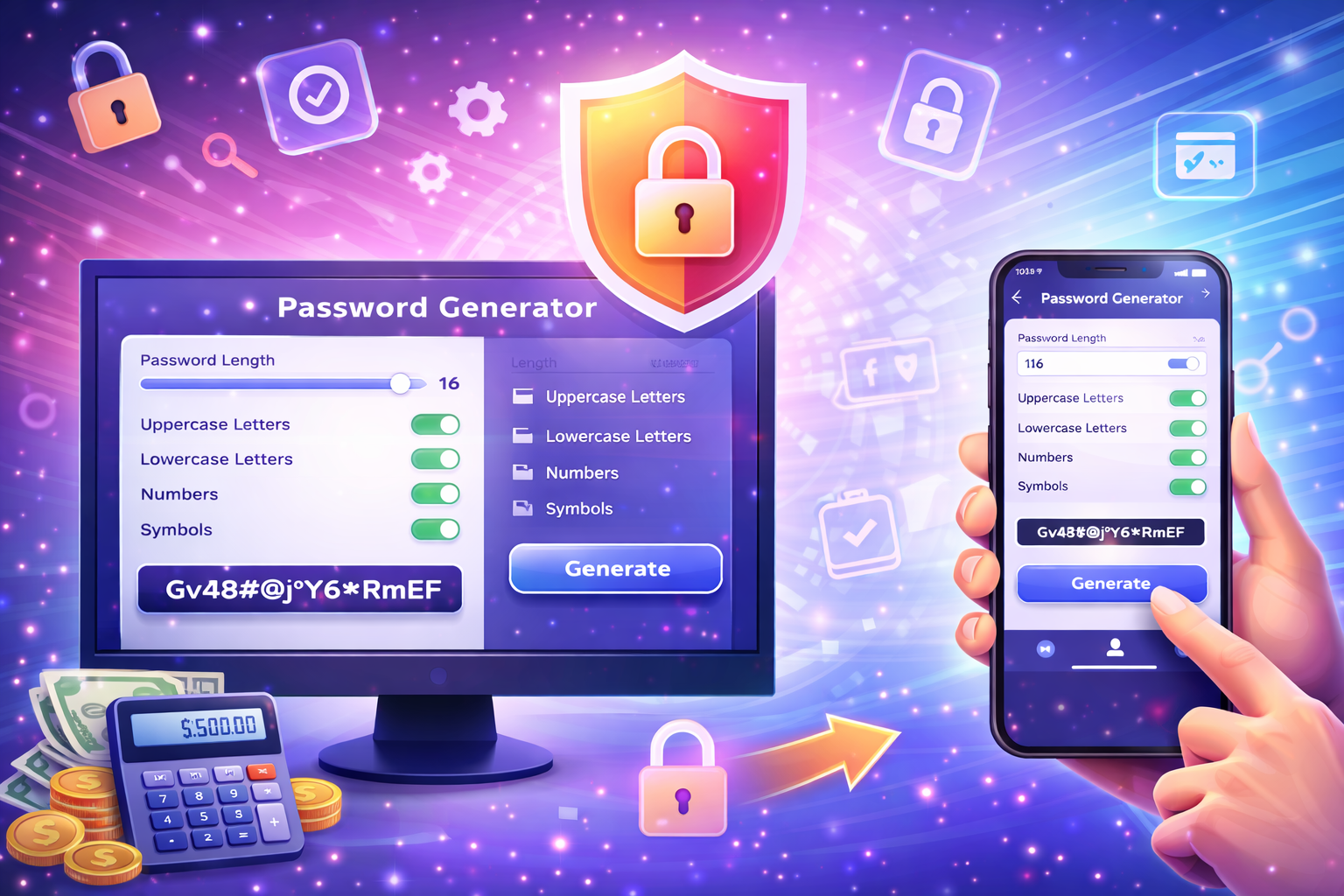
How to evaluate the result
The colored bar below the password box shows its estimated strength: red means weak, orange means medium, and green means strong. Strength increases with length and character variety.
How is the password generated?
This tool uses the Web Crypto API (crypto.getRandomValues), your browser's cryptographically secure random number generator. Each character is chosen randomly and independently from a pool built from the character types you select (uppercase, lowercase, numbers, symbols).
Formula
- A character pool is built based on the character types you select (uppercase, lowercase, numbers, symbols).
- The browser's crypto.getRandomValues() function generates random numbers for the chosen length.
- Each random number is mapped to a character in the character pool.
- This is repeated for the selected password length to build the final password.
- An estimated strength score is calculated based on the password's length and character variety.
Example password generation
With a 16-character length including uppercase, lowercase, and numbers selected, a result like 'kJ8mQ2xVzR5nP9wT' — hard to guess — is produced.
Tips for creating a strong password
- Use at least 12-16 characters for important accounts.
- Combining uppercase, lowercase, numbers, and symbols significantly reduces the chance of the password being guessed.
- Don't reuse the same password across multiple accounts — generate a unique one for each and store them in a password manager.
Comparisons
Weak
Can be guessed via brute force in a short time.
Medium
Reasonable for most personal accounts, insufficient for critical ones.
Strong
The recommended minimum for important accounts.
Very strong
Ideal for critical uses like a password manager's master password.
Guide to creating a strong password
Weak passwords are one of the most common causes of account takeover attacks. Attackers can try common words, short passwords, and repeated characters using automated tools within minutes. A randomly generated password is far more resistant to this kind of guessing attack.
This tool uses your browser's built-in Web Crypto API to generate passwords. This API draws from the operating system's hardware-based randomness sources and is considered suitable for cryptographic applications — significantly more secure than JavaScript's Math.random() function.
Two key factors determine password strength: length and character variety. As length increases, the number of possible combinations grows exponentially, which is why a simple 20-character password is often more secure than a complex 8-character one. Character variety (uppercase, lowercase, numbers, symbols) widens the probability space per character.
It's recommended to use a password manager to securely store the generated password. Reusing the same password across multiple accounts means that if one account is compromised, the others are put at risk too; generating a unique password for each account eliminates this risk.
This tool runs entirely client-side (in your browser); the generated password is never sent to, saved by, or logged on any server. The moment you close or reload the page, the password generated up to that point is cleared from memory.
FAQ
Does this tool save the generated password anywhere?
No. The password is generated only in your browser and is never sent to or stored on any server; it disappears the moment you reload the page.
Is random password generation secure?
Yes. The tool is built on the Web Crypto API, which uses the operating system's cryptographic randomness source — far more secure than predictable methods like Math.random().
What is the ideal password length?
For important accounts (email, banking, a password manager's master password), at least 12-16 characters is recommended, and up to 20 where possible.
Why is the symbols option off by default?
Some older systems and forms don't accept certain symbols; by default a letter-and-number password is generated, and you can enable symbols manually if you want them.
How do I copy the generated password?
Click the 'Copy' button next to the password box to copy it to your clipboard, then paste it wherever you need it.
How often should I change my password?
Change it immediately if you suspect a data breach; for critical accounts, it's recommended to review it periodically.
Is a longer password or a more complex password safer?
Length generally matters more than complexity; a 20-character password using only letters is usually considered stronger than an 8-character complex one.
Can I embed this tool on my own site?
Yes, copy the embed code at the bottom of the page to add this tool to your own site as an iframe.
Related tools
Embed this tool on your site
<iframe src="https://pinfox.tech/en/tools/general/password-generator/?embed=1" width="100%" height="720" loading="lazy" style="border:0;border-radius:12px;overflow:hidden" title="Password Generator: Create a Strong, Secure Password - Pinfox"></iframe>