Percentage Calculator
Enter the base value and the percentage rate to calculate how much a given percentage of that value is.
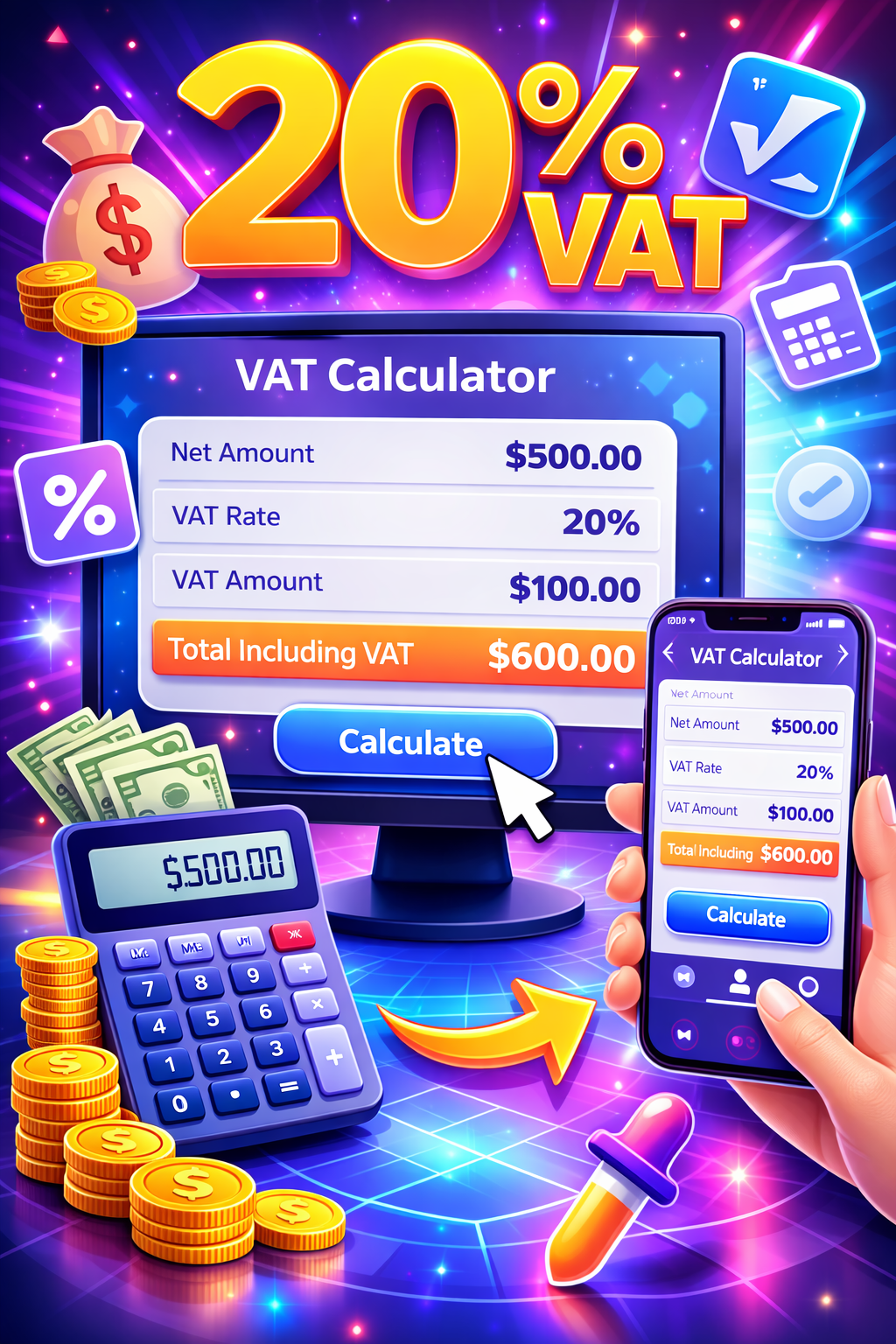
The result field shows the amount that corresponds to the entered percentage of the base value. The equivalent fraction is the decimal form of the percentage rate and can be used directly in multiplication.
How to read the result
The result field shows the amount that corresponds to the entered percentage of the base value. The equivalent fraction is the decimal form of the percentage rate and can be used directly in multiplication.
How is a percentage of a number calculated?
Result = Base value × Percentage ÷ 100.
Formula
- The percentage rate is divided by 100 to get a decimal fraction.
- The base value is multiplied by this fraction.
- The result is the entered percentage of the base value.
Example percentage calculation
15% of 240 is 36, calculated as 240 × 15 ÷ 100.
Things to keep in mind
- You can enter decimal percentages, such as 7.5 for 7.5%.
- If the base value is negative, the result will also be negative — this is expected.
Comparisons
Rates like 1%-10% produce a result that is small relative to the base value.
Common for small discounts or commission calculations.
Rates like 15%-50% produce a result that is a noticeable share of the base value.
A common range for price increases and discounts.
Rates above 100% produce a result larger than the base value.
Seen in profit margin or growth-rate calculations.
Percentage calculation guide
Calculating a percentage is a basic math operation used to find the portion of a value that corresponds to a given rate. The tool on this page instantly calculates the result from the base value and percentage rate you enter.
The logic is simple: the percentage rate is first converted into a decimal fraction by dividing by 100, and that fraction is then multiplied by the base value. For example, to calculate 15% of 240: 15 ÷ 100 = 0.15, and 240 × 0.15 = 36.
This tool is useful in many everyday situations: finding a discount amount in a store, calculating a service charge or tip on a bill, determining a sales commission, or interpreting the share of correct answers on a test.
When the percentage rate exceeds 100%, the result is larger than the base value; this comes up especially in growth, profit-margin, or multiplier calculations, and the same logic applies.
This tool provides only a mathematical calculation. For tax, financial planning, or legal decisions, consult official sources or a qualified professional.
FAQ
How do you calculate a percentage of a number?
Multiply the base value by the percentage rate and divide by 100. For example, 15% of 240 is 240 × 15 ÷ 100 = 36.
Can the percentage rate be greater than 100?
Yes. Rates above 100% represent more than one full multiple of the base value; for example, 150% means 1.5 times the base value.
Can I enter decimal percentage rates?
Yes, decimal rates such as 7.5% or 12.25% can be entered for precise results.
What does the equivalent fraction mean?
It's the percentage rate divided by 100; for example 15% corresponds to the fraction 0.15, which is used directly in the multiplication.
Can this tool be used to calculate a discount?
Yes. Enter the product price as the base value and the discount rate as the percentage to find the discount amount.
Can negative values be entered?
Yes, if the base value is negative the result will also carry a negative sign.
Why is the result shown with decimals?
The result is shown with up to two decimal places to preserve precision.
What situations is this calculation used for?
It's useful for everyday percentage calculations such as price increases, discounts, commissions, tips, and scoring.
Related tools
Embed this tool on your site
<iframe src="https://pinfox.tech/en/tools/general/percentage-calculator/?embed=1" width="100%" height="720" loading="lazy" style="border:0;border-radius:12px;overflow:hidden" title="Percentage Calculator - Pinfox"></iframe>