VAT Calculator
Enter an amount, VAT rate and whether VAT is included.
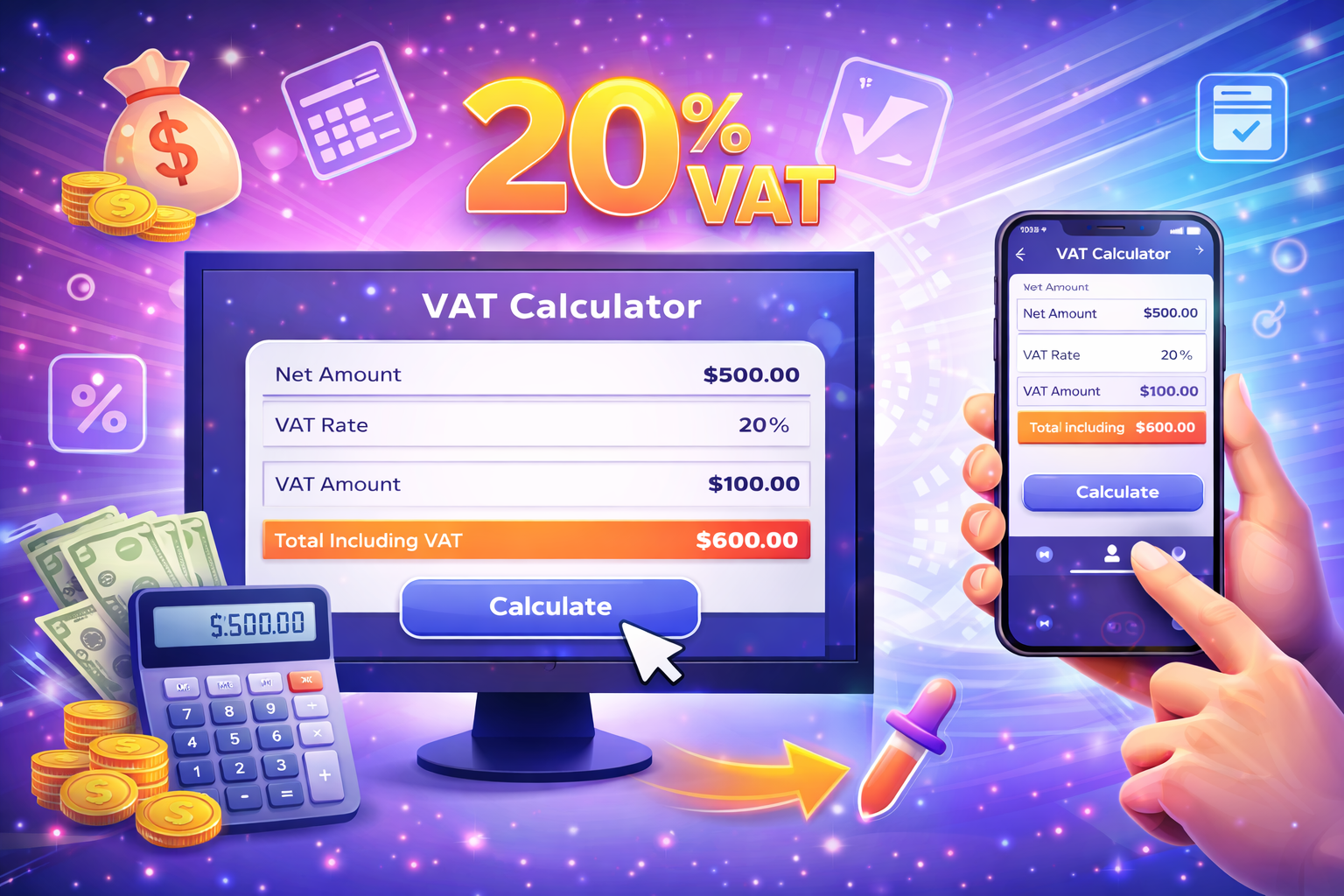
The result separates the net amount, VAT amount, and gross total. If the amount includes VAT, the tool extracts VAT from the total; otherwise it treats the amount as net and adds VAT.
How to read the result
The result separates the net amount, VAT amount, and gross total. If the amount includes VAT, the tool extracts VAT from the total; otherwise it treats the amount as net and adds VAT.
How is VAT calculated?
For VAT-exclusive amounts: VAT = Amount × Rate ÷ 100.
Formula
- For VAT-exclusive amounts: VAT amount = amount x VAT rate / 100.
- Gross total = net amount + VAT amount.
- For VAT-inclusive amounts: net amount = gross amount / (1 + rate / 100).
- VAT amount = gross total - net amount.
VAT example
At 20% VAT, 1,000 becomes 1,200 gross.
VAT notes
- Use the valid rate for the transaction date.
- Refer to official records for accounting.
Comparisons
Starts from the net amount and adds VAT.
Useful for quotes, pricing, and pre-tax calculations.
Starts from the total and extracts the tax part.
Useful when the customer-facing price is already final.
Creates a smaller tax component.
The same formula applies for every rate.
Makes the tax share more visible in the total.
Always compare prices using the same VAT basis.
VAT calculator guide
VAT calculation helps separate the taxable base, the tax amount, and the final customer-facing total. This tool supports both VAT-inclusive and VAT-exclusive workflows so the same page can be used for pricing, checking invoices, and estimating totals.
When the entered amount is VAT-exclusive, the calculator multiplies the amount by the selected VAT rate and divides the result by 100. The VAT amount is then added to the net amount to produce the gross total.
When the entered amount already includes VAT, the calculation is reversed. The gross amount is divided by 1 plus the VAT rate divided by 100. The difference between the gross amount and the calculated net amount is the VAT component.
The most common mistake is mixing inclusive and exclusive values in the same comparison. A net price and a gross price can look similar but represent different commercial meanings.
This calculator is informational. VAT rules, rates, exemptions, and reporting requirements may vary by country, product category, and date. For official tax or accounting decisions, verify the applicable regulation or consult a qualified professional.
FAQ
How do I remove VAT from a gross amount?
Divide the gross amount by 1 + VAT rate / 100, then subtract the net amount from the gross total.
How do I add VAT to a net amount?
Multiply the net amount by the VAT rate and divide by 100, then add the VAT amount to the net amount.
Does changing the VAT rate change every result?
Yes. The VAT amount and gross total update when the selected rate changes.
What is the difference between net and gross?
Net is before VAT. Gross is the final amount after VAT is included.
Can I use decimal values?
Yes. Decimal amounts are supported and currency output is rounded for readability.
Is this tool accounting advice?
No. It is an informational calculator and does not replace tax or accounting advice.
Which VAT rate should I use?
Use the rate that applies to the transaction date, jurisdiction, and product or service.
Why are currency results rounded?
Currency values are formatted to two decimal places to match common money display conventions.
Related tools
Embed this tool on your site
<iframe src="https://pinfox.tech/en/tools/finance/vat-calculator/?embed=1" width="100%" height="720" loading="lazy" style="border:0;border-radius:12px;overflow:hidden" title="VAT Calculator - Pinfox"></iframe>